Is Facebook Secretly Betraying Your Friendships?
Remember when Facebook used to be the place to actually see what your friends were up to? You’d scroll through updates, laugh at memes, share funny videos, and yes… even enjoy endless streams of cute dog photos. It felt personal. It felt fun. It felt like a little window into the lives of the people you care about.
But now… it’s different. Much different. Your feed is overloaded with ads—seriously, almost every other post is trying to sell you something. Add to that clickbait headlines, random posts from people you don’t even know, and viral content you didn’t ask for. It’s overwhelming. It’s frustrating. And honestly, sometimes it makes you wonder… are your friends even on Facebook anymore?
It’s enough to make you feel like Facebook isn’t really about friendship anymore—it’s about keeping your attention long enough to show you more ads. But here’s the good news: you can take back your feed. You can declutter it, refocus it, and make it the friends-first space it was always meant to be. You just need a few simple tweaks—and I’m going to show you exactly how.
Step 1: Put Your Friends First
Facebook lets you “favorite” your closest friends. Think of it like giving them VIP access to your feed. Posts from these people will show up at the top—before the ads, before the random viral nonsense.
How to do it:
- Desktop: Click down arrow → Settings & Privacy → News Feed Preferences → Favorites and select your top friends.
- Mobile: Tap Menu → Settings & Privacy → Settings → News Feed Preferences → Favorites.
Instantly, your feed starts showing the people you actually care about.
Step 2: Switch to “Most Recent”
Tired of Facebook deciding what you should see? Switch to the chronological feed. It shows posts as they happen. No algorithm interference. No ads sneaking in first.
- Desktop: Click See More → Most Recent.
- Mobile: Tap Menu → Feeds → Most Recent.
It’s like hitting the “refresh” button on your friendships.
Step 3: Declutter Your Feed
Still seeing pages, groups, or acquaintances that clutter your feed? Unfollow them. You stay friends, but you don’t have to see every post.
- Go to News Feed Preferences → Unfollow.
- Select what you don’t want.
Your feed instantly feels cleaner and more personal.
Step 4: Make Ads Less Creepy
You can’t fully remove ads, but you can make them less intrusive:
- Go to Settings → Ads → Ad Preferences.
- Remove topics or advertisers that annoy you.
You’ll still see some ads—but at least they won’t dominate your feed.
Step 5: Power User Hack (Optional)
For desktop users, extensions like Social Fixer let you:
- Hide ads completely
- Filter posts to only see friends
- Customize your feed layout
Just make sure it’s a trusted extension and read reviews first.
Final Thoughts
Facebook doesn’t have to feel like a minefield of ads and random posts. With a few tweaks, you can make it a friends-first, fun, scrollable space again. Your feed can finally be about friendship—not algorithms.
Take control, declutter the noise, and rediscover why you loved Facebook in the first place.
Blue Light Blocking Glasses, Anti Eyestrain Lens Lightweight Frame Eyeglasses, Black, Men/Women
- REDUCE EYESTRAIN: Enjoy your digital time, NO worry about eye fatigue, blurred vision and headache
- ANTI BLUE LIGHT: Cut 90% of the blue light. Relieving eye fatigue, dry and vision falling
- BETTER SLEEP: Reduce eye strain and headache, so you can enjoy a restful deeper sleep
- MATERIAL Frame: TR90 ; Lens: Polycarbonate (non-magnification)
- LIFETIME WARRANTY: We provide worry-free lifetime warranty and friendly customer service
- For More Info Click Here

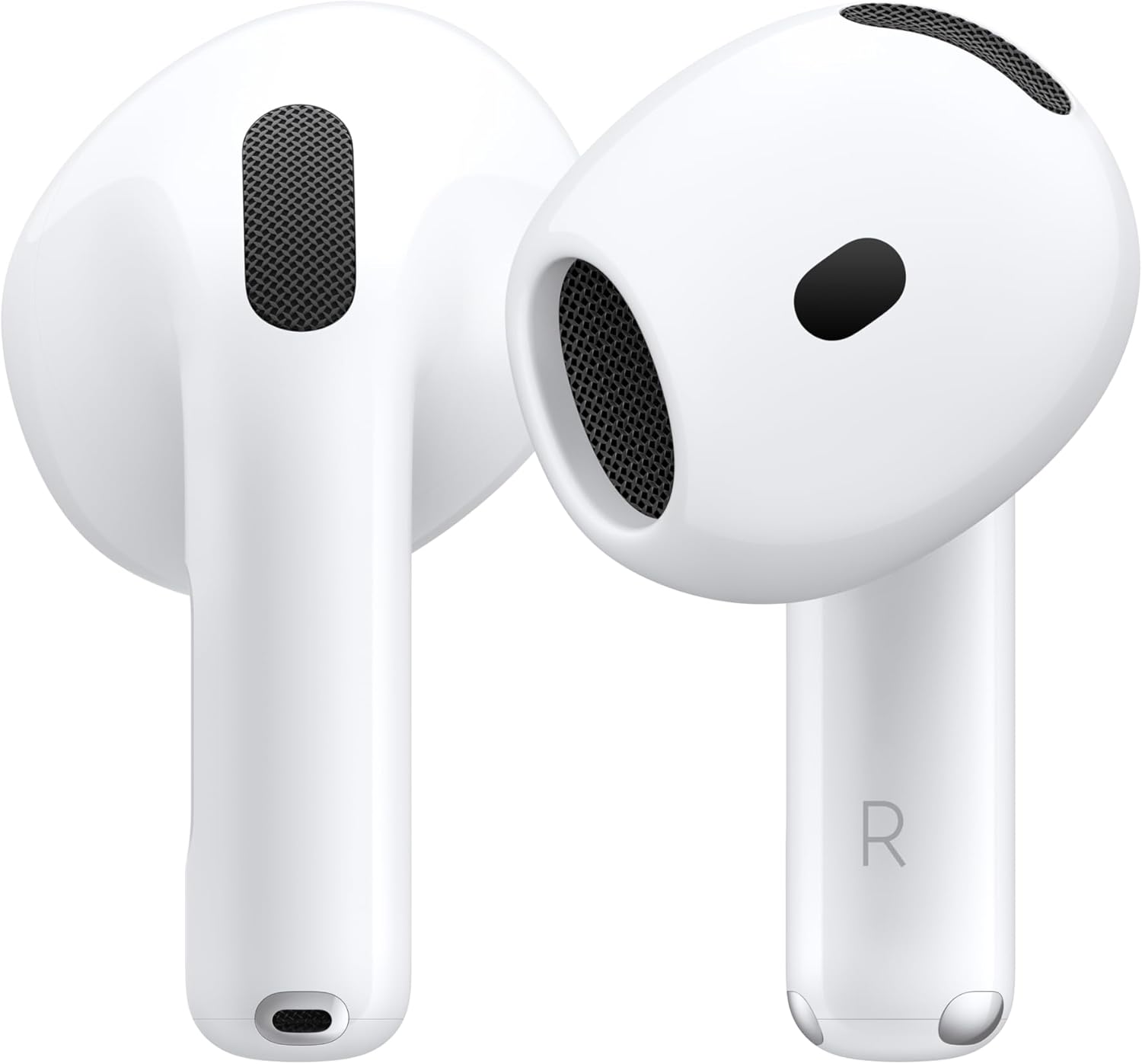
Apple AirPods 4 Wireless Earbuds, Bluetooth Headphones, with Active Noise Cancellation, Adaptive, Transparency Mode, Personalized Spatial Audio, USB-C Charging Case, Wireless Charging, H2 Chip
- REBUILT FOR COMFORT — AirPods 4 have been redesigned for exceptional all-day comfort and greater stability. With a refined contour, shorter stem, and quick-press controls for music or calls.
- ACTIVE NOISE CANCELLATION — AirPods 4 with Active Noise Cancellation help reduce outside noise before it reaches your ears, so you can immerse yourself in what you’re listening to.*
- HEAR THE WORLD AROUND YOU — The powerful H2 chip comes to AirPods 4. Adaptive Audio seamlessly blends ANC and Transparency mode — which lets you comfortably hear and interact with the world around you exactly as it sounds — to provide the best listening experience in any environment.* And when you’re speaking with someone nearby, Conversation Awareness automatically lowers the volume of what’s playing.*
- IMPROVED SOUND AND CALL QUALITY — Voice Isolation improves the quality of calls in loud conditions. Using advanced computational audio, it reduces background noise while isolating and clarifying the sound of your voice for whomever you’re speaking to.*
For more Info Click Here